


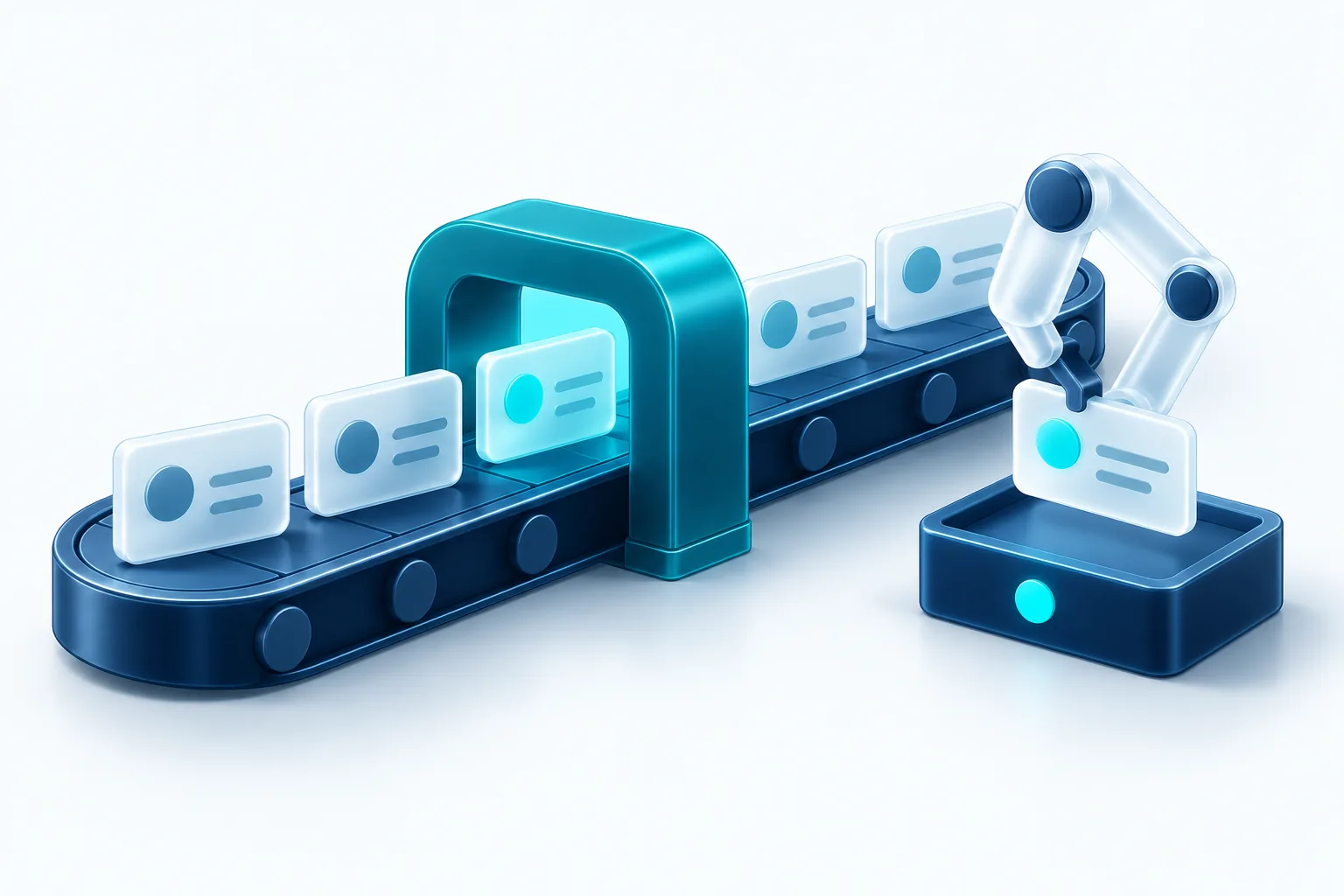
Automation works best on work that is frequent, predictable and low-risk. AI extends that to tasks involving language, like drafting, summarising and sorting. The principle stays the same: automate the routine, and keep people in charge of judgment.
Good candidates for automation
- Reminders and follow-ups that depend on someone remembering
- Moving data between systems: forms to CRM, orders to accounting, bookings to calendars
- Daily checks for missing, duplicate or inconsistent data
- Turning call or meeting recordings into summaries and action items
- Routing incoming requests to the right person or queue
- Generating routine reports and sending them on a schedule
A simple way to score a workflow
Rate each candidate on four things: how often it happens, how long it takes, how rule-based it is, and how costly a mistake would be. The best first automations are frequent, time-consuming, mostly rule-based and low-risk. Anything high-risk should keep a person in the loop.
Where AI fits, and where it doesn’t
AI is useful when the input is unstructured: messages, transcripts, documents and notes. It can draft a reply, summarise a call, extract action items or flag something unusual. It’s less suited to decisions with real consequences, such as pricing, refunds, or medical and legal advice, unless a person reviews the output.
Keep a human in the loop
For anything customer-facing, start with AI drafting and a person approving. Move to automatic sending only for messages you’ve reviewed enough to trust, and keep hard limits like quiet hours and frequency caps.
Guardrails that matter
- Clear rules the automation can’t break, enforced in code rather than just written in a prompt
- Logging, so you can see exactly what happened and why
- Cost tracking for AI usage from day one
- Automated tests of AI output before it reaches customers
- An easy way to pause any automation instantly
- Consent and opt-out handling for any outbound messages
Examples that work well
- After a call is recorded, a summary and action items are created and added to the team’s task board
- Each morning, data checks run and a plain-English summary of anything unusual is posted to the team
- When a lead arrives, it’s saved to the CRM, tagged by source, and the right person is notified
- Reminders go out on a schedule, but only within allowed hours and caps, with replies routed to a person
Measure the result
Before switching an automation on, note how long the task takes today and how often it goes wrong. Afterwards, track time saved, error rates and, for AI, how often people edit or reject its drafts. If people are rewriting most drafts, the automation isn’t ready yet.
How to start
Pick one workflow your team repeats daily and that has a clear right answer. Automate it, measure the time saved and the error rate, and build trust before moving on to something more complex.

Written by Vishal Singh
Founder of Byte Harbor and a senior frontend and web platform engineer. He builds websites, custom software and AI automation for businesses across Canada and the US.
About Byte HarborRelated service
AI and business automation, with people in control
Practical automations that handle routine steps, with people reviewing the decisions that matter.
Explore AI & Business Automation

