


If you have ever connected Shopify to your accounting software, or had a form submission land in your CRM a moment later, there is a good chance a webhook was involved. They are one of the quiet workhorses of modern business software.
This guide explains what webhooks are, where you will meet them and what it takes to make them dependable, because a webhook that silently fails can cost you orders, invoices and customer trust.
The plain-language version
Software systems talk to each other in two main ways. In the first, your system asks another system for updates on a schedule: any new orders? Any new orders now? That is called polling, and it is a bit like checking your mailbox every ten minutes.
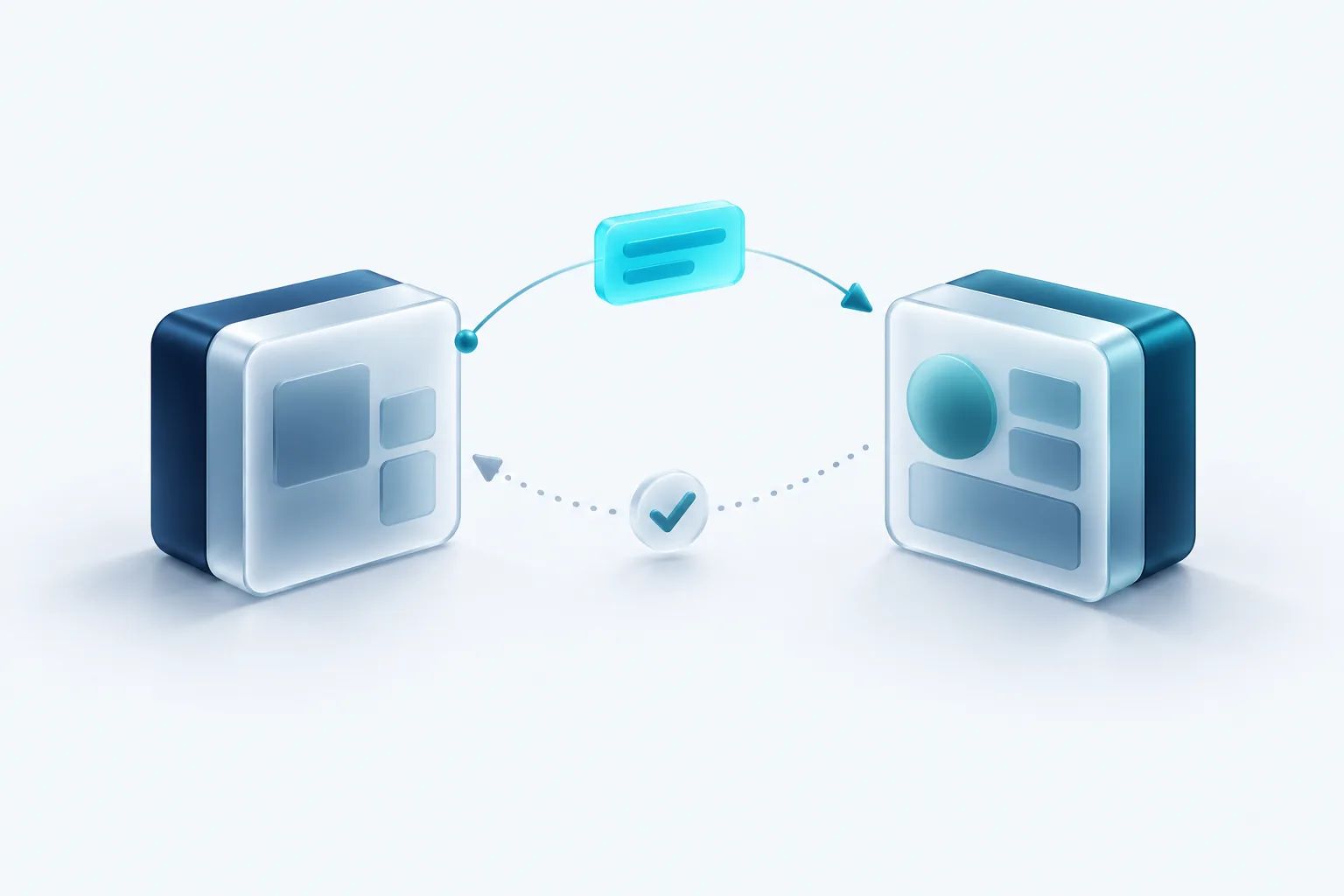
A webhook flips that around. You give the other system a web address, and it sends you a message the moment something happens. It is like a doorbell. You do not have to keep checking, because you are told when there is something to deal with.
The message is usually a small bundle of data describing the event, such as an order ID, the customer and the total. Your system receives it, checks it and takes action.
Everyday examples
- A payment platform tells your app that a payment succeeded, so the order can be marked paid and fulfilment can begin.
- Your online store tells your warehouse system that a new order came in.
- A booking tool tells your CRM that a client scheduled a call.
- A form builder sends new submissions to your email marketing platform.
- A code hosting service tells your deployment tool that new code is ready.
In each case, the alternative would be constant polling or a person copying data by hand.
Why webhooks fail
Webhooks are simple in principle, but they travel over the internet to a server you run, and plenty can go wrong. Your server might be down for maintenance. It might be slow and time out. A code change might break the handler. The sending system might have an outage of its own.
Platforms handle failures differently. Stripe's documentation says it retries failed deliveries in live mode for up to three days, with increasing gaps between attempts. GitHub's documentation, by contrast, says it does not automatically redeliver failed deliveries, so you have to redeliver them yourself. Check the documentation for each platform you connect, because the difference matters a lot when something breaks.
Making webhooks reliable
A handful of practices separate a fragile webhook setup from a dependable one.
- Respond quickly. Acknowledge the webhook right away and do the heavy work afterward, in a background queue. Stripe's docs specifically advise returning a success response before complex logic that might cause a timeout.
- Expect duplicates. Most senders may deliver the same event more than once. Record the event ID of everything you process and skip events you have already handled. This property is called idempotency: processing the same message twice has the same effect as processing it once.
- Do not rely on order. Events can arrive out of sequence. If you need the latest state, fetch it from the source system rather than assuming the last message is the newest.
- Verify signatures. Many platforms sign each webhook with a secret only you and they know. Check that signature before acting, so nobody can fake an event and trick your system into fulfilling an order.
- Keep secrets safe. Store signing secrets in environment settings, never in code, and rotate them if you suspect a leak.
Why signatures matter
Your webhook address is just a public URL. Without signature checks, anyone who discovers it could send a fake payment succeeded message. Signature verification is a small amount of code that closes a serious hole, and it should be standard on every webhook that triggers real business actions.
Monitoring webhooks
The worst webhook failures are the silent ones. Nothing crashes, but orders stop syncing and nobody notices until a customer calls. A little monitoring prevents that.
Log every webhook you receive, along with whether it was processed successfully. Set an alert when failures spike or when a webhook you normally get every hour has not arrived. Most major platforms also show a delivery history in their dashboard, with the status of each attempt, which is the first place to look when something seems off.
Finally, have a recovery plan. Know how to replay missed events from each platform, and consider a nightly reconciliation job that compares records between systems and flags anything missing. Webhooks give you speed. Reconciliation gives you a safety net.
Our recommendation
Use webhooks whenever a platform offers them. They are faster and lighter than polling. But treat each one as something that will eventually fail. Acknowledge quickly, process in the background, handle duplicates, verify signatures and watch your logs. If you rely on a no code tool to receive webhooks, check that it does these things too, or ask whoever built your integration to walk you through how it handles failures.

Written by Vishal Singh
Founder of Byte Harbor and a senior frontend and web platform engineer. He builds websites, custom software and AI automation for businesses across Canada and the US.
About Byte HarborRelated service
API integrations and platform improvements
Reliable connections between payments, CRM, messaging and data, plus steady maintenance.
Explore Integrations & Platform Improvements

