


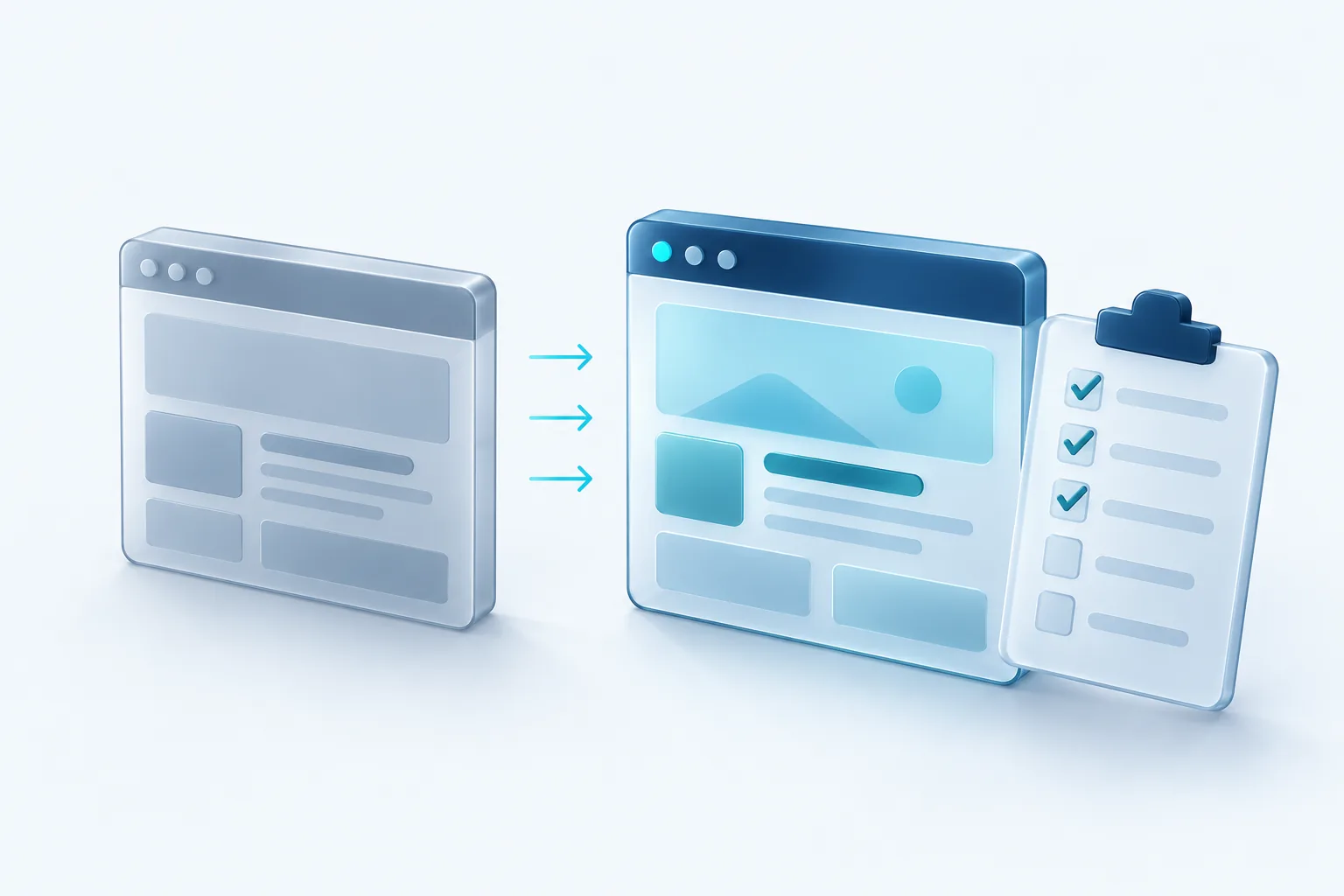
A redesign should make your website better at its job. Too often, it does the opposite for a few months: search traffic dips, a contact form quietly stops sending emails, and nobody notices until the phone goes quiet.
Almost all of these problems are avoidable. This checklist covers what to do before, during and after a redesign so the new site keeps the traffic and leads the old one earned.
Before you start: record where you are
You can't tell whether the new site is working unless you know how the old one performed. Before anyone touches a design file, capture a baseline.
- Export your top pages by traffic from your analytics tool, and confirm you are on Google Analytics 4, since Universal Analytics stopped processing data in July 2023
- Export your top pages and search queries from Google Search Console
- Count monthly form submissions, calls and bookings that come from the site
- Note which pages people land on before they contact you
- Save a full list of every live URL, using a crawler or your sitemap
Run a content audit
Go through every page on that URL list and decide its fate. A simple spreadsheet works well, with one row per page and a column for the decision.
- Keep: the page performs well and still reflects your business
- Improve: the topic is right but the content is thin or out of date
- Merge: several pages cover the same thing and would be stronger as one
- Remove: the page is obsolete, gets no traffic and serves no purpose
Be careful with pages that bring in search traffic or leads. Even if they look dated, their content is part of why they rank. Refresh them rather than rewriting them from scratch.
Map every old URL to a new one
If any URLs change, you need redirects. Google's own guidance for site moves is to map each old URL to its new destination and use server-side permanent redirects, also called 301 redirects. Google also recommends keeping those redirects for as long as possible, generally at least a year, so search signals can transfer to the new pages.
Use your content audit to build the map. Removed pages should redirect to the closest relevant page, not all to the home page. After launch, update internal links so they point straight to the new URLs instead of bouncing through redirects.
Watch for the staging site trap
Developers often block search engines from indexing the staging site while it is being built. That setting sometimes travels to the live site at launch. Check on launch day that your pages can be indexed, or months of rankings can disappear quietly.
Test forms, tracking and integrations
Leads usually arrive through forms, booking tools and click-to-call links, and these break easily during a rebuild. Make a list of every way a customer can contact you through the site and test each one end to end before and after launch.
- Submit every form and confirm the email or CRM entry arrives where it should
- Check that consent checkboxes and privacy wording carried over from the old site
- Confirm analytics, conversion tracking and ad pixels fire on the new pages
- Test booking widgets, chat tools and payment flows on a phone and a desktop
Carry over the SEO details
Search rankings depend on many small things that are easy to lose when pages are rebuilt. Make sure each important page keeps or improves its title tag, meta description, main heading, image alt text and internal links. Generate a fresh XML sitemap for the new site and submit it in Search Console, which Google says helps it learn about your new URLs.
Page speed and mobile usability matter too. A beautiful new design that loads slowly on a phone can undo the gains of better content.
Finally, check that nothing important has been hidden. Content tucked behind tabs, images with text baked in, or pages left out of the new navigation can all make a site harder for both visitors and search engines to understand.
The first weeks after launch
Launch day is the start of the work, not the end. Google notes that any significant change to a site can cause ranking fluctuations while it recrawls and reindexes, so a short dip is not a reason to panic. A sustained drop is a reason to investigate.
For the first month, check Search Console weekly for crawl errors and pages that dropped out of the index. Compare traffic and leads against your baseline, and look at the 404 report for any old URLs you missed in the redirect map.
Our recommendation
Treat the redirect map and the form tests as non-negotiable, and give them a named owner on the project. Those two items protect most of the value your old site built up. If your agency doesn't raise them early in the conversation, raise them yourself.

Written by Vishal Singh
Founder of Byte Harbor and a senior frontend and web platform engineer. He builds websites, custom software and AI automation for businesses across Canada and the US.
About Byte HarborRelated service
Website development for Canadian businesses
A fast, responsive site that explains what you do, is easy for your team to update, and makes contacting you simple.
Explore Website Development

