


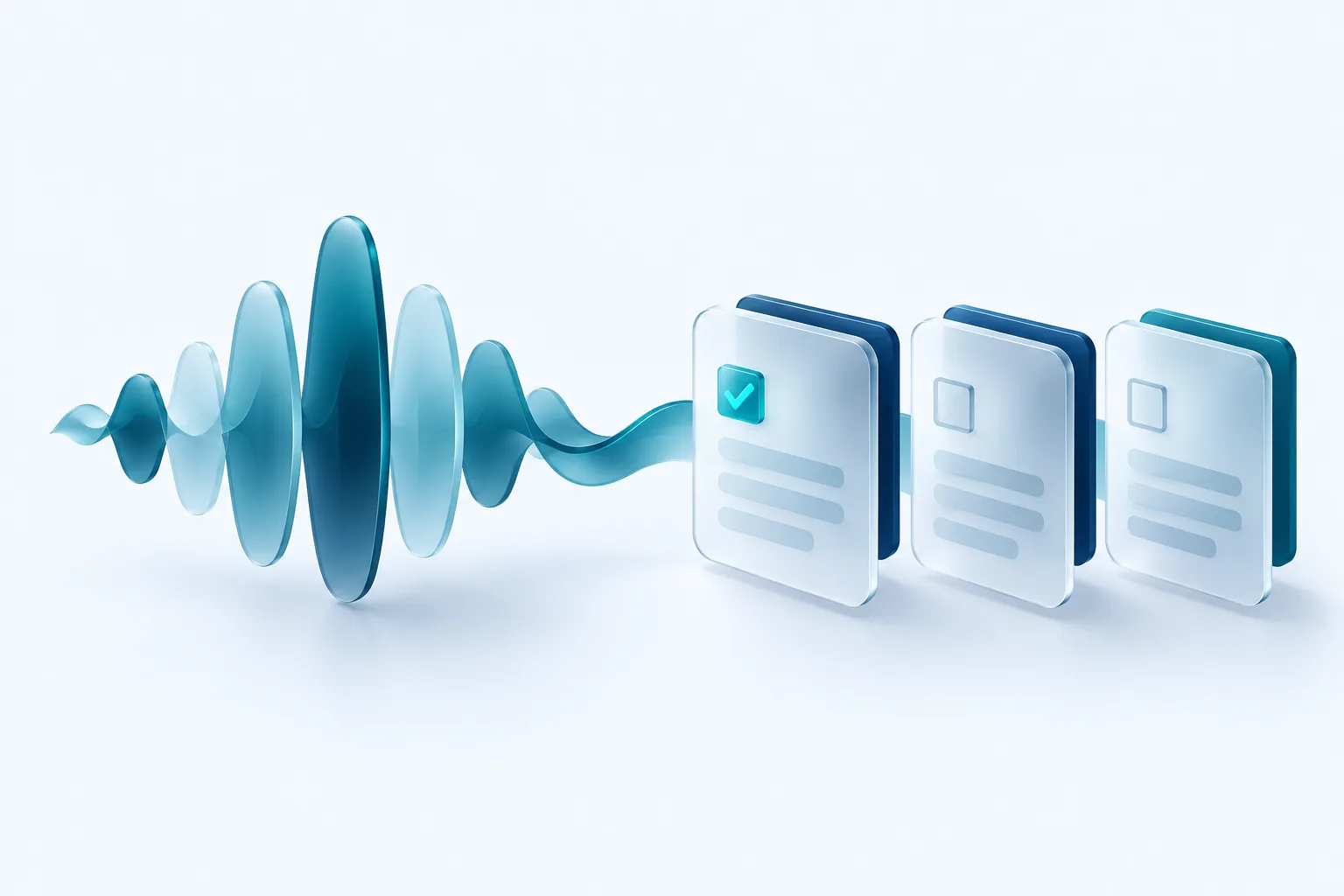
Sales calls, client check ins and project meetings are full of decisions and promises. Most of them live only in someone's memory or a hurried notepad. AI transcription and summarization can capture them reliably, turn them into tasks and put them where your team already works.
The technology is now good and affordable. The harder parts are consent, accuracy and deciding what to keep. This guide covers all three.
How the pipeline works
A typical setup has four steps. Each one can be a separate tool or part of one product.
- Record: the call is captured by your phone system, video meeting tool or a dedicated recorder.
- Transcribe: speech is converted to text, ideally with speaker labels so you know who said what.
- Summarize: a language model reads the transcript and produces a short summary, decisions and action items.
- Deliver: the results go to your CRM, project tool or inbox, attached to the right client or deal.
The last step is where most of the value lives. A summary sitting in a separate app that nobody opens is not much better than no summary at all.
Consent to record in Canada
This is the part to get right before anything else. In Canada, two different sets of rules apply, and people often mix them up.
The first is the Criminal Code. Section 184 makes it an offence to intercept private communications, but it exempts a person who has the consent of one of the parties. In everyday terms, this is often called one party consent. It addresses criminal liability, though, not your obligations as a business.
The second is privacy law. The Office of the Privacy Commissioner of Canada has published guidance for organizations covered by PIPEDA that record customer calls. It says organizations should tell customers the call is being recorded and clearly state why. It also says that in most cases, if the customer continues the call knowing it is recorded and why, consent is implied, and that recordings may only be used for the purposes stated. Three provinces, Alberta, British Columbia and Quebec, set their own privacy rules for businesses, and Quebec's are known for being demanding.
Confirm before you record
This is general information, not legal advice. Privacy rules differ by province and by type of organization, and they change. Before recording customer or employee calls, check the guidance from the Privacy Commissioner that applies to you and confirm your approach with a lawyer, especially if you operate in Quebec or record calls with people outside Canada.
In practice, a cautious approach is to announce the recording at the start of every call, name the purpose, such as quality and accurate notes, and offer an alternative to people who prefer not to be recorded.
Getting useful summaries
A generic summary tends to be vague. You get better results by telling the AI exactly what you want from each type of call. A discovery call summary might list the prospect's goals, budget signals, objections and next steps. A project meeting summary might list decisions, open questions and risks.
Keep a person in the loop, at least at first. Transcription can mishear names, numbers and industry terms, and a summary built on a wrong number is worse than useless. Ask whoever ran the call to skim the summary and fix errors before it is shared.
Turning summaries into action items
Action items are only useful if they become real tasks. Ask the AI to return each item in a fixed structure so it can be sent to your tools automatically.
- What needs to happen, written as a clear task.
- Who owns it, matched to a real person on your team.
- When it is due, if a date was mentioned.
- Which client, deal or project it belongs to.
- A short quote or timestamp from the call for context.
Send the tasks to your project or CRM tool as drafts the owner confirms. That one step catches misassigned tasks and invented deadlines before they cause confusion.
Storage, retention and access
Recordings and transcripts are personal information, and sometimes sensitive. Decide up front how long you keep each type of record. Many businesses keep the summary and action items with the client file and delete the raw audio after a shorter period, but the right timeline depends on your purpose and any legal requirements in your industry.
Limit who can listen to recordings. Check where your vendor stores data and whether it uses your recordings to train its models, and turn that off if you can. The OPC guidance also notes that customers have a right to request access to recordings of their calls, so make sure you can find and export a specific recording when asked.
Our recommendation
Start with internal meetings, where consent is simplest and mistakes are low stakes. Get the summary format and the delivery into your tools working well. Then extend to client calls with a clear recording notice, a documented purpose, a retention schedule and a quick human review step. Confirm the privacy side with the official guidance or a lawyer before you go live.

Written by Vishal Singh
Founder of Byte Harbor and a senior frontend and web platform engineer. He builds websites, custom software and AI automation for businesses across Canada and the US.
About Byte HarborRelated service
AI and business automation, with people in control
Practical automations that handle routine steps, with people reviewing the decisions that matter.
Explore AI & Business Automation

