


Many businesses depend on software that was built years ago: a desktop database, an in-house system written by a long-gone contractor, or an old web app that nobody wants to touch. It still works, mostly, and it holds years of data and knowledge about how the business runs.
That is exactly what makes it hard to replace. This article covers how to tell when it is time to act, the main options available and how to move forward without risking day-to-day operations.
Signs it is time
Age alone is not a reason to modernize. Plenty of old software does its job well. The question is whether it is holding you back or putting you at risk.
- Only one person understands it, and you are worried about what happens if they leave.
- It runs on an operating system, database or language version that no longer receives security updates.
- Small changes take weeks and often break something else.
- It cannot connect to the tools you now use, so staff copy data by hand.
- It does not work on phones or outside the office, and your team needs it to.
- Hardware it depends on is ageing and hard to replace.
Security is usually the most urgent of these. Software that no longer receives patches can expose customer data, and that carries legal and reputational consequences as well as technical ones.
The main options
There are four broad approaches, and many projects combine more than one.
- Refactor: keep the system but clean up and update the code, move it to supported versions and improve its structure. Best when the software fits the business and the main problem is technical debt.
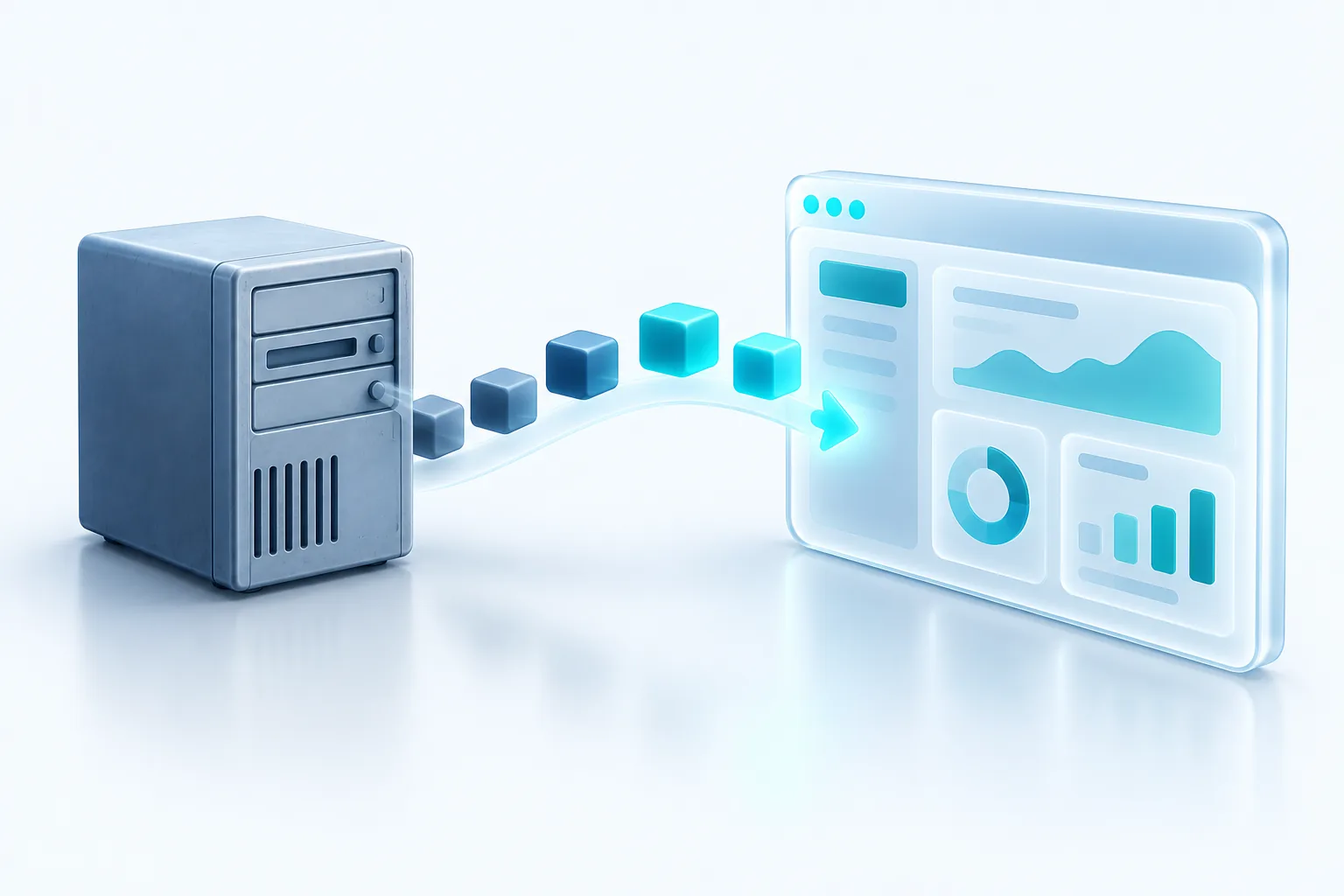
- Wrap with APIs: leave the core in place and add a modern interface on top so other tools, websites and apps can talk to it. Best when the system works but is isolated.
- Replace: move to an off-the-shelf product that now does what your custom system once did. Best when the process is standard and good products exist.
- Rebuild: write a new system from scratch. Best when the old system no longer fits how you work and no product does either.
Rebuilding is often the most attractive option on paper and the riskiest in practice. Old systems contain years of small rules and fixes that nobody wrote down, and a rebuild has to rediscover all of them.
Document before you decide
Before choosing any option, write down what the current system actually does: every screen, report, calculation and integration, plus the workarounds staff use. This inventory is valuable whichever path you take, and it often reveals that some features are no longer needed at all.
Reducing risk with phased migration
The safest modernization projects avoid a single big switch-over date. Instead they replace the old system piece by piece while it keeps running.
A widely used approach is the strangler fig pattern, named by software author Martin Fowler. New functionality is built around the edges of the old system, and requests are gradually routed to the new parts until the old system can be retired. Microsoft and Amazon Web Services both describe this pattern in their architecture guidance.
In practice, a phased plan might look like this:
- Add an API layer in front of the legacy system so new tools can use its data.
- Build the first new module, often the one causing the most pain, and run it alongside the old one.
- Move users over in stages, starting with a small group.
- Repeat module by module, retiring each old piece once the new one is proven.
- Migrate the remaining data and switch off the old system last.
Protecting your data along the way
Data migration deserves its own plan. Old systems often contain duplicates, inconsistent formats and fields used for purposes they were never designed for. Clean and map the data early, run test migrations, and compare results against the old system before relying on them.
Keep full backups of the legacy system and its data well after the switch, and make sure you can still read them. You may need historical records for tax, legal or warranty reasons long after the old software is gone. Requirements vary, so check retention rules with your accountant or lawyer.
Budgeting and expectations
Phased projects can feel slower because you do not see a shiny new system all at once. In exchange you get value earlier, you learn as you go, and you can pause or change direction without losing everything spent so far. Plan for a period of running old and new side by side, and for some staff training at each stage.
Our recommendation
Start with an honest assessment and an inventory of what the current system does. If the main risk is security or a single point of knowledge, address that first, often through refactoring or wrapping with an API. Choose replacement when good products exist for your process, and rebuild only when nothing else fits. Whatever you choose, move in phases, protect your data and keep the old system running until the new one has earned your trust.

Written by Vishal Singh
Founder of Byte Harbor and a senior frontend and web platform engineer. He builds websites, custom software and AI automation for businesses across Canada and the US.
About Byte HarborRelated service
Custom software and web applications built around your workflow
A portal, dashboard or scheduling tool shaped around your workflow, so routine work takes less effort.
Explore Custom Software & Web Applications

