


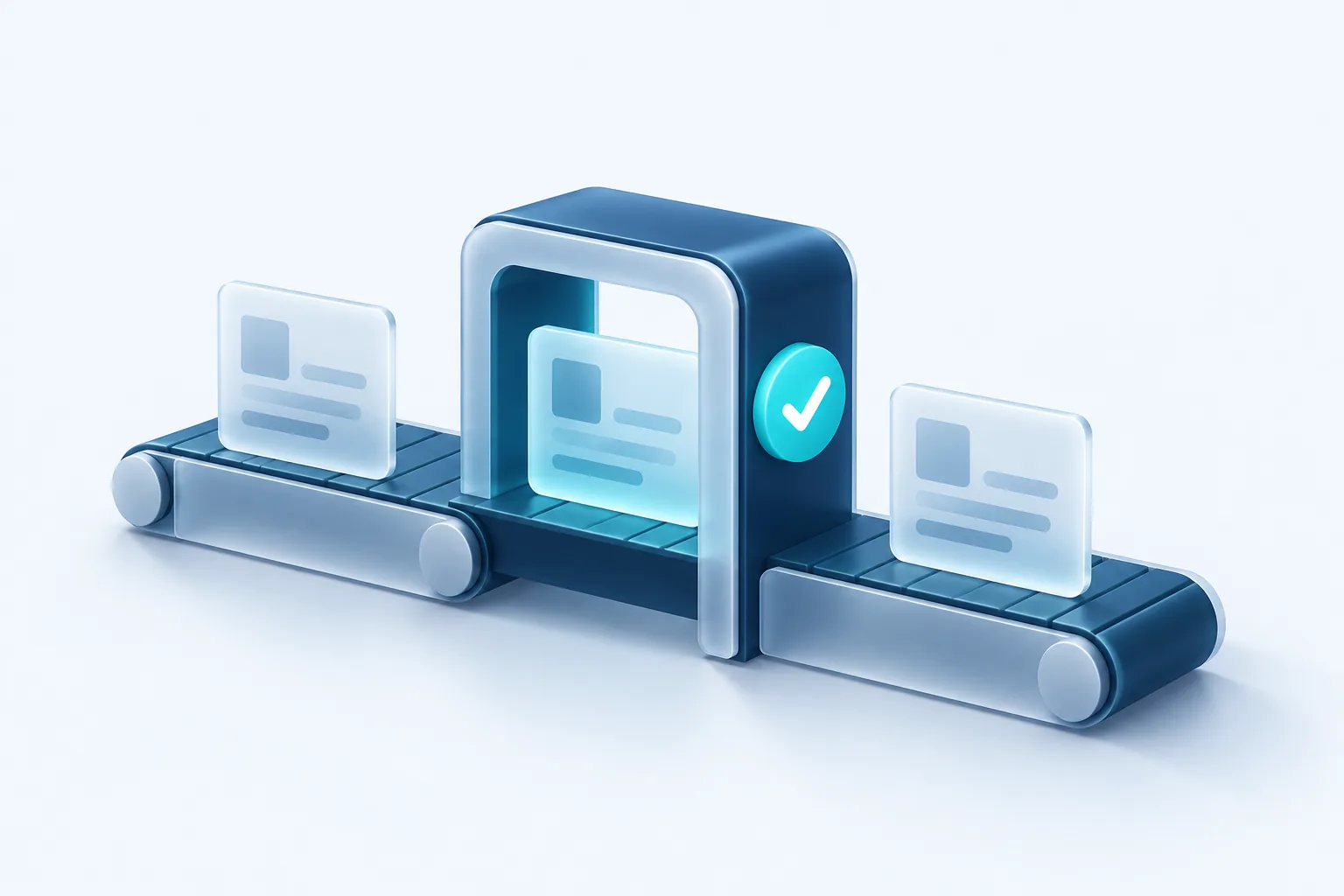
Most businesses that try AI hit the same fork in the road. The AI can clearly do the work, but nobody is quite comfortable letting it act alone. Human in the loop is the answer to that discomfort: the AI does the heavy lifting, and a person approves the result before it goes out.
Done well, this is not a temporary crutch. It is a design pattern that lets you get value from AI now while building the evidence you need to trust it with more later.
Why people should still approve
Language models produce fluent, confident output whether they are right or wrong. That fluency is exactly what makes mistakes easy to miss. A wrong delivery date or an invented policy reads just as smoothly as the truth.
There is also a security reason. The OWASP Top 10 for LLM Applications recommends using human in the loop control to require a person to approve high impact actions before they are taken. If someone manages to manipulate the AI through a cleverly worded email or document, a human checkpoint stops the damage before it happens.
And there is a customer reason. People forgive a business for being slow. They are less forgiving when a business sends them something careless or wrong.
Deciding what needs approval
Not everything needs a person. Approving every single output defeats the purpose and burns out your team. The trick is to sort tasks by how much harm a mistake could cause and how easily it can be undone.
- Low risk and reversible: tagging emails, summarizing internal notes, suggesting categories. These can often run automatically with spot checks.
- Medium risk: replies to customers, quotes, product descriptions. A person should approve these, at least at first.
- High risk or irreversible: refunds, payments, account changes, deletions, anything legal or medical. These should always need approval, and some should never be automated at all.
Write this list down and share it with your team. It turns a vague worry into a clear policy.
Designing an approval queue
An approval queue is simply a list of AI drafts waiting for a person. The design details make the difference between a queue people clear in minutes and one they avoid.
- Show the source next to the draft. The reviewer should see the original email or record without clicking around.
- Make approve, edit and reject one click each. Friction is what makes people rubber stamp.
- Capture the edit. When someone changes a draft, store both versions. That is your best data on where the AI falls short.
- Ask for a reason on rejections. A short dropdown such as wrong facts, wrong tone or should not reply is enough.
- Set a time limit. Items that sit too long should alert someone, so the queue never becomes a black hole.
The queue can live inside tools you already use. A shared inbox with draft replies, a Slack channel with approve buttons or a simple admin page all work. Pick whatever your team will actually open.
Escalation rules
Some requests should skip the AI entirely or go straight to a senior person. Define these triggers up front rather than hoping the AI recognizes them.
Common triggers include an angry or threatening tone, mention of a lawyer or a complaint body, high dollar amounts, a VIP customer, or the AI reporting low confidence. You can also escalate when the AI cannot find a source for its answer. An honest I am not sure, routed to a person, is far better than a confident guess.
Watch for rubber stamping
The biggest risk in a human in the loop system is a reviewer who approves everything without reading. If your approval rate is near perfect and reviews take a couple of seconds each, that may be a warning sign rather than a success. Occasionally seed the queue with a known bad draft to check that reviewers catch it.
Measuring trust over time
Trust should be earned with numbers, not feelings. Track a few simple measures for each type of task:
- Approval rate without edits: how often the draft goes out unchanged.
- Edit size: whether changes are small tweaks or full rewrites.
- Rejection reasons: which mistakes keep coming back.
- Time to approve: whether the queue is saving time or adding it.
- Downstream problems: complaints, corrections or refunds tied to AI output.
When a category of task shows a high unchanged approval rate over a meaningful sample, and the mistakes that do occur are minor, you have a case for moving it to spot checks. When a category keeps producing serious errors, keep the approval step or take the AI out of it.
Our recommendation
Start every new AI workflow with a person approving the output. Sort tasks by risk, build a queue that is quick to clear, define escalation triggers in writing and measure edits and rejections from day one. Loosen control only where the data says it is safe. That approach is slower than going fully automatic on day one, and it is much less likely to end in an apology email.

Written by Vishal Singh
Founder of Byte Harbor and a senior frontend and web platform engineer. He builds websites, custom software and AI automation for businesses across Canada and the US.
About Byte HarborRelated service
AI and business automation, with people in control
Practical automations that handle routine steps, with people reviewing the decisions that matter.
Explore AI & Business Automation

