


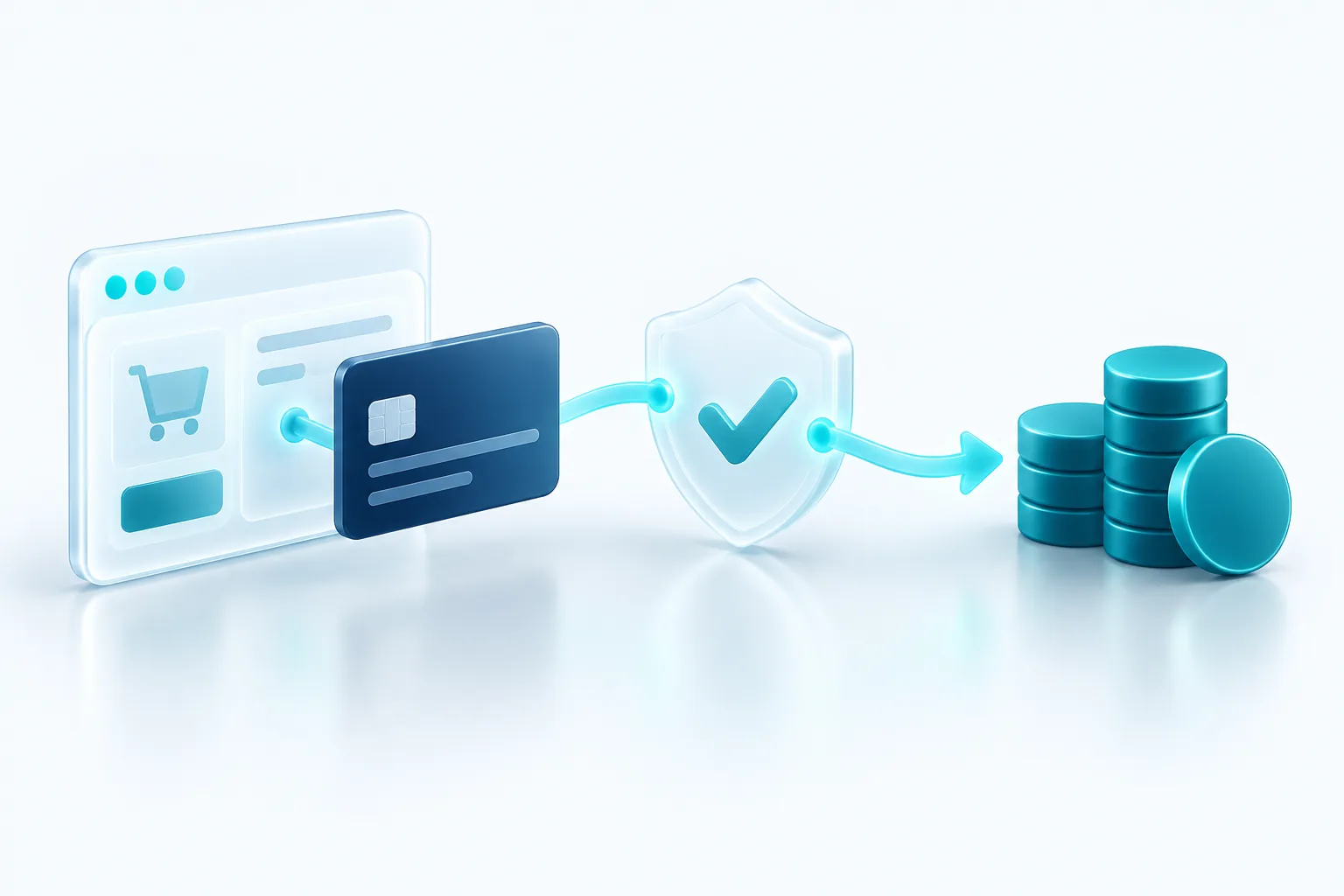
When a customer clicks "Pay" on your website, the money seems to move instantly. Behind that button, several companies pass messages back and forth in a couple of seconds, and each of them plays a specific role.
You do not need to be an expert in payments to run an online business. But knowing the basics helps you compare providers, understand your statements, keep customer data safe and handle refunds and disputes calmly. Here is how it works in plain terms.
What happens when a customer pays
A card payment moves through a few stages:
- Authorization: the customer's card details go to their bank, which checks for funds and fraud and approves or declines.
- Capture: you confirm you want to collect the approved amount. Many stores capture right away, while others wait until the order ships.
- Settlement: the money moves from the customer's bank, through the card network, to your account, minus fees. This usually takes a few business days.
Gateways, processors and all-in-one providers
These terms get mixed up, so here is a simple breakdown. A payment gateway is the technology that securely collects card details on your website and sends them on. A payment processor moves the transaction between the banks and card networks. A merchant account is where your funds land before reaching your bank account.
Traditionally you set these up separately. Today, most small businesses use all-in-one providers such as Stripe, Square, PayPal or Shopify Payments, which bundle all three into one sign-up and one dashboard. That simplicity is a big reason they are popular.
How payment fees are structured
Rates vary by provider, country and card type, so always check current pricing directly. What helps is understanding the pieces:
- Interchange: a fee paid to the customer's card-issuing bank, often varying by card type.
- Network fees: charged by the card brands, such as Visa or Mastercard.
- Provider markup: what your payment provider charges for its service.
Some providers roll all of this into one flat rate, usually a percentage plus a small fixed amount per transaction. Others use interchange-plus pricing, where you see the underlying costs plus a stated markup. Flat rates are easier to predict. Interchange-plus can be cheaper at higher volumes. Watch for extras too, such as fees for international cards, currency conversion and disputes.
PCI basics: keeping card data safe
The Payment Card Industry Data Security Standard, or PCI DSS, is the security standard for anyone who stores, processes or transmits card data. Compliance is a shared responsibility. Stripe, for example, explains that it is certified as a PCI Level 1 service provider, while each business accepting payments must also comply and attest to that compliance every year.
The easiest way to keep your obligations small is to never let card numbers touch your servers. Hosted payment pages and embedded payment fields, such as Stripe Checkout or Stripe Elements, collect card details inside forms served by the provider. According to Stripe, these integrations can qualify you for the simplest form of PCI validation. Storing the card brand, last four digits and expiry date is fine. Storing full card numbers yourself is not something a small business should take on.
Integrating payments into your site
If you use Shopify or a similar platform, payments are built in and you mostly just choose settings. For a custom website or app, you have a few options with a provider like Stripe: link customers to a hosted checkout page, embed payment fields in your own design, or use simple payment links for invoices and one-off sales.
Whichever you choose, a solid integration also uses webhooks. These are automatic notifications the provider sends to your system when something happens, such as a successful payment or a refund. They keep your orders accurate even if a customer closes their browser early. Stripe's guidance is to verify each webhook's signature so you know it genuinely came from them. Test everything in the provider's test mode before going live.
Refunds and disputes
A refund is something you start. You send money back to the customer through your payment dashboard or your store admin. A dispute, also called a chargeback, is something the customer starts with their card issuer. The issuer reverses the payment, and your provider takes the amount plus a dispute fee from your balance. You can then submit evidence, such as delivery confirmation and customer communication, and the issuer decides.
Refund before it becomes a dispute
If a customer is clearly unhappy and asking for their money back, a quick refund is usually cheaper and calmer than a dispute. Clear product descriptions, a recognizable business name on card statements and fast replies to emails prevent many disputes in the first place.
Our honest recommendation: for most small businesses, an established all-in-one provider with a hosted or embedded checkout is the right starting point. It keeps fees transparent, PCI scope small and setup fast. Revisit your provider and pricing model once your volume grows.

Written by Vishal Singh
Founder of Byte Harbor and a senior frontend and web platform engineer. He builds websites, custom software and AI automation for businesses across Canada and the US.
About Byte HarborRelated service
API integrations and platform improvements
Reliable connections between payments, CRM, messaging and data, plus steady maintenance.
Explore Integrations & Platform Improvements

