


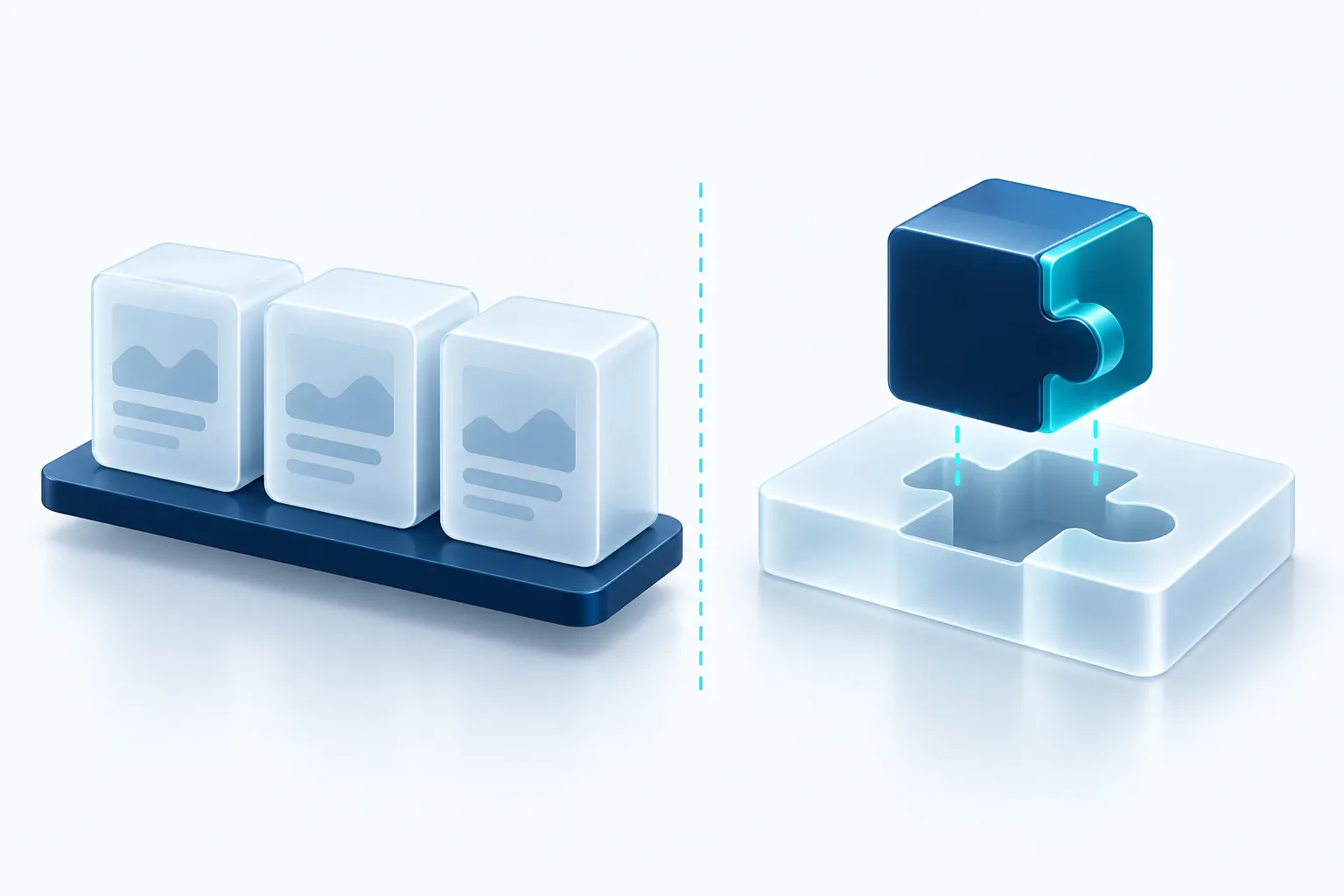
Most businesses run on a stack of subscriptions: accounting, email, a CRM, maybe a project tool. That is usually the right call. Software as a service (SaaS) is fast to start, someone else handles hosting and updates, and you pay a predictable monthly fee.
But there comes a point where the subscriptions start to work against you. Staff copy data between tools by hand, workarounds pile up, and the one process that makes your business different is the one no product supports well. This guide walks through how to tell which side of that line you are on.
What SaaS does well
A good SaaS product is the result of years of work by a team that thinks about one problem all day. You get that work for a monthly fee, and you get it today rather than in three months.
- Speed: you can sign up this afternoon and be working by tomorrow.
- Maintenance: security patches, hosting, backups and new features are the vendor's job.
- Proven workflows: common tasks like invoicing, payroll or email marketing are well understood, and the tools reflect that.
- Low upfront cost: you spread the expense over time instead of paying for a build.
For anything that is the same in your business as in thousands of others, SaaS is almost always the better choice. Nobody wins customers because of a custom-built payroll system.
Signs you have outgrown off-the-shelf tools
The trouble starts when your process does not match the product. A few warning signs come up again and again:
- People keep a spreadsheet next to the software because the software cannot hold what they need.
- The same data is typed into two or three systems, and they disagree.
- You pay for a top tier mainly to get one feature, or you pay per seat for staff who log in twice a month.
- Your best idea for serving customers is blocked because no tool supports it.
- Reporting means exporting from several places and stitching it together by hand.
One of these on its own is normal friction. Several together usually means the tools are shaping your business instead of the other way around.
What building really involves
Custom software gives you exactly the workflow you want, and you own it. That is the appeal. The cost is that you also own the responsibility.
A custom system needs hosting, security updates, bug fixes and someone who understands the code. It also takes time to design and build, and the first version will not do everything. Owners who budget only for the initial build are often surprised by the ongoing work, so plan for maintenance from day one, whether that is an internal developer or a support agreement with an outside team.
A useful test
Ask whether the process in question is part of why customers choose you. If it is, owning the software can be worth it. If it is a back-office task that every business does the same way, rent the best tool you can find and spend your energy elsewhere.
Hybrid approaches often win
The choice is rarely all or nothing. Many of the best setups keep the commodity tools and build only the missing piece.
- Integration layer: connect the tools you already use through their APIs so data flows automatically instead of being retyped.
- Custom front end on top of SaaS: build a simple screen or portal for staff or customers that reads from and writes to your existing systems.
- Small custom tool for the unique part: keep your accounting and CRM, and build only the quoting engine or scheduling logic that no product handles well.
- Low-code first: prototype a workflow in a low-code or automation tool, then rebuild it properly once you know it works.
This approach keeps cost and risk down. You benefit from vendors' ongoing work on the standard pieces, and you invest only where it makes a real difference.
Questions to ask before deciding
Before you commit either way, sit down with the people who do the work and answer these honestly:
- What exactly is the problem, and how much time or money does it cost each month?
- Have we tried configuring our current tools properly, or adding an integration?
- Who will own the system after launch, and what will maintenance cost each year?
- What happens to our data if we leave this vendor? Can we export it in a usable format?
- Will this process still look the same in two years, or is it still changing?
If the process is still changing fast, a flexible SaaS tool or a low-code prototype is often safer than a custom build. Software works best when it captures a process you understand well.
Our recommendation
Default to SaaS for anything standard, and be generous about it. Build only when a process is central to how you compete, when the workarounds are costing real time every week, or when connecting your existing tools would remove most of the pain. Start with the smallest custom piece that solves the problem, measure the result, and grow from there. If you are unsure, map the workflow on paper first. The right answer usually becomes clear once you can see where the time actually goes.

Written by Vishal Singh
Founder of Byte Harbor and a senior frontend and web platform engineer. He builds websites, custom software and AI automation for businesses across Canada and the US.
About Byte HarborRelated service
Custom software and web applications built around your workflow
A portal, dashboard or scheduling tool shaped around your workflow, so routine work takes less effort.
Explore Custom Software & Web Applications

