


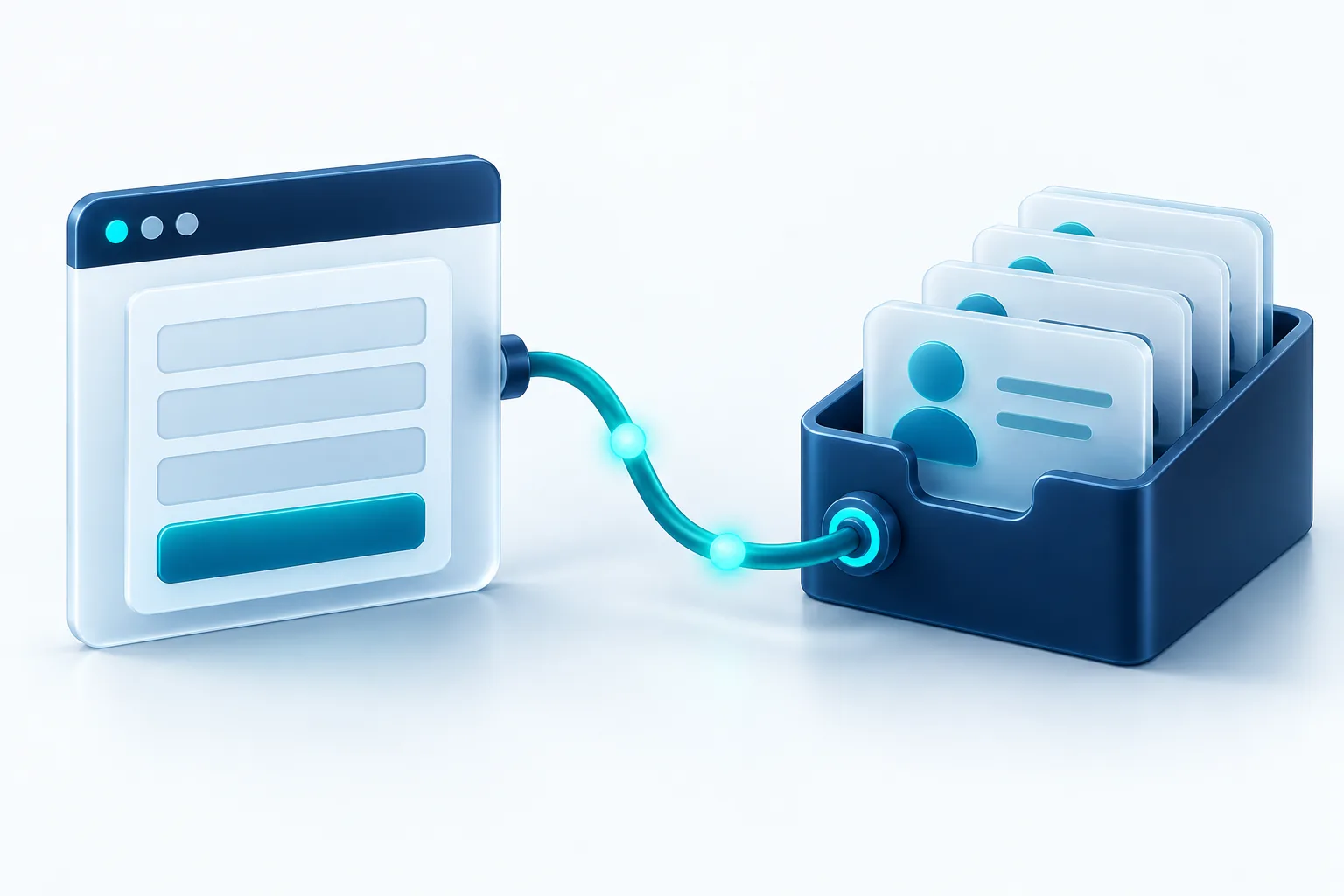
When a website form emails a shared inbox, leads get missed, details get re-typed and nobody knows which campaign brought them in. Connecting your website to your CRM fixes that. It’s one of the highest-value, lowest-risk improvements most businesses can make, and it’s simpler than it sounds.
Why it matters
- Speed: new leads appear in the CRM immediately, so follow-up starts sooner
- Accuracy: no copy-paste errors in names, emails or phone numbers
- Visibility: everyone sees the same lead history
- Attribution: you learn which pages and campaigns actually bring in work
Three ways to connect
Native CRM forms. Many CRMs provide embeddable forms that create records directly. They’re quick to set up, but styling and validation can be limited, and they may load extra scripts that slow your pages.
Integration tools. Services that pass form submissions to your CRM without code. They’re flexible and fast to configure, but add a monthly cost and another system that can fail quietly if a field changes.
A custom integration. Your website sends data to the CRM’s API directly, with validation, retries and field mapping you control. It takes more setup, but it’s the most reliable and keeps your forms fast and on-brand.
Decide what you actually need to capture
Before choosing a method, list the fields that matter for following up and qualifying leads: contact details, the service someone is interested in, budget or timeline if you ask for them, and where the lead came from. Fewer, well-chosen fields usually mean more submissions and cleaner data.
Capture the source
Recording which page, campaign and referrer a lead came from turns your CRM into a marketing report. You’ll see which pages actually bring in paying work, not just traffic.
Make it reliable
- Validate data on the website before it reaches the CRM
- Retry automatically if the CRM is briefly unavailable
- Alert someone when a submission fails instead of losing it silently
- Protect forms from spam so the CRM doesn’t fill with junk
- Only show a success message once the lead is actually saved or delivered
Privacy and consent
Collect only what you need, explain how it will be used, and link to your privacy policy beside the form. Canadian privacy law expects meaningful consent and reasonable safeguards for personal information, so keep access to lead data limited to the people who need it.
When you need two-way sync
Some businesses also need data to flow back, such as showing order status in a customer portal, or updating a record when someone books. Two-way sync takes more planning: decide which system is the source of truth for each field, how conflicts are resolved, and what happens when one system is down.
A sensible first step
Start by connecting your main contact form with validation, spam protection and source tracking. Once that’s reliable, add your other forms, then consider two-way sync if your team needs it. Small, dependable steps beat one big, fragile integration.

Written by Vishal Singh
Founder of Byte Harbor and a senior frontend and web platform engineer. He builds websites, custom software and AI automation for businesses across Canada and the US.
About Byte HarborRelated service
API integrations and platform improvements
Reliable connections between payments, CRM, messaging and data, plus steady maintenance.
Explore Integrations & Platform Improvements

